Three ways to import
Simple
A GeoJSON or CSV file, a link, or the built-in data.gouv search. No complicated export, no re-keying.
Already have your data? Import it without re-keying: a file, a link, or a direct data.gouv search. KARTES detects everything and creates your items in seconds.
Book a demo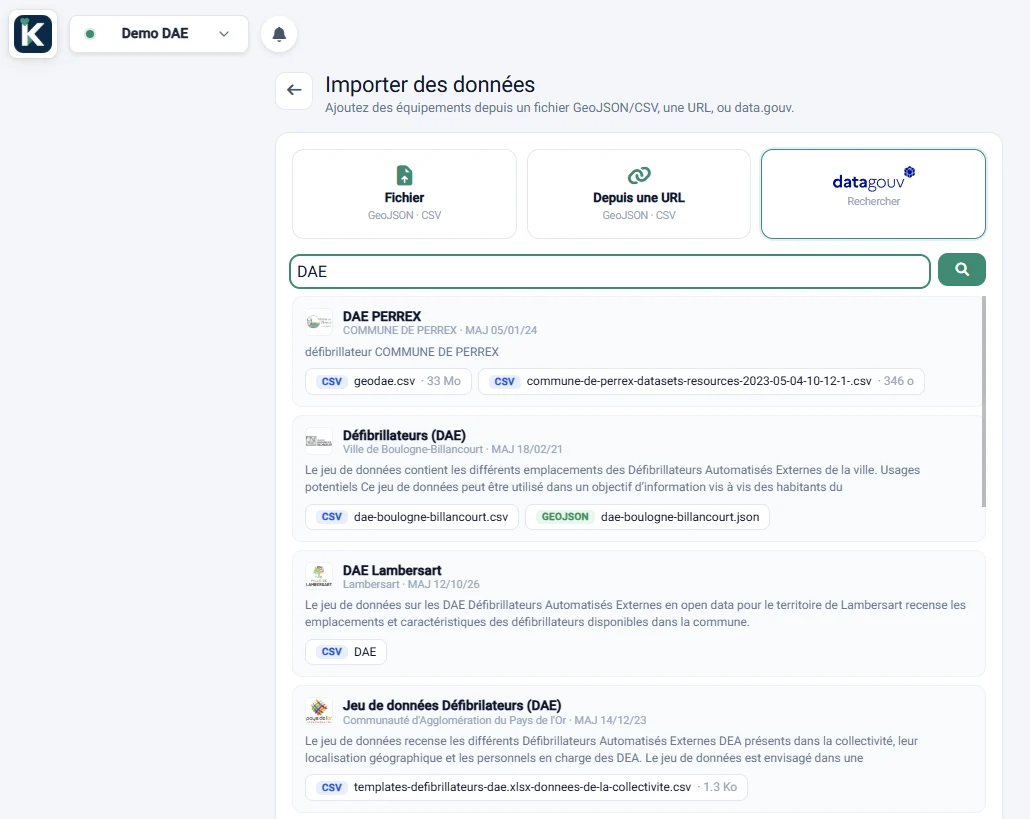
A GeoJSON or CSV file, a link, or the built-in data.gouv search. No complicated export, no re-keying.
Search an official dataset and import it directly. KARTES keeps only the usable geographic resources.
Source: data.gouv.fr
Create editable assets (type, fields, tracking, work orders) or a context layer. KARTES suggests the right choice based on the data.
Columns, field types, multi-choice and the location (latitude/longitude or Lambert-93 projection): the analysis runs on its own.
Re-importing updates existing items instead of creating duplicates, thanks to the detected identity key.
An import isn't final: undo it in one click and the created items are cleanly removed.
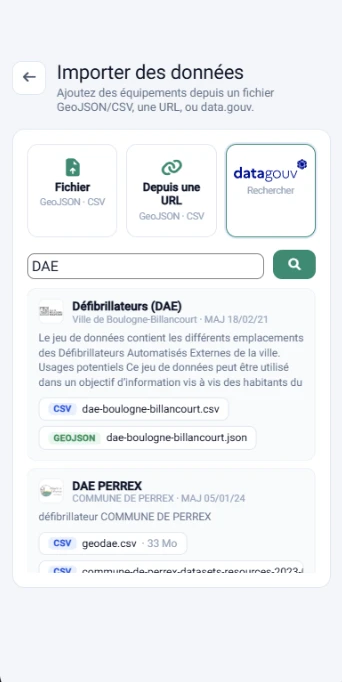
Import also works from mobile, out in the field.
Available in every KARTES edition, for workspace administrators. Your data stays yours: imported, updated and exportable at any time.
Book a demo